Creating a Production Workspace
Last updated: January 7, 2026
This guide walks you through creating a production workspace on Seam for managing smart locks and access control systems.
What is a Production Workspace?
A production workspace is where you manage your live, real-world devices and access control systems. This is separate from a sandbox workspace, which is used for testing and development.
Prerequisites
Before you begin, ensure you have:
A Seam account
Admin access to your organization
Step 1: Create Your Production Workspace
Log into the Seam Console
Click on your workspace switcher.
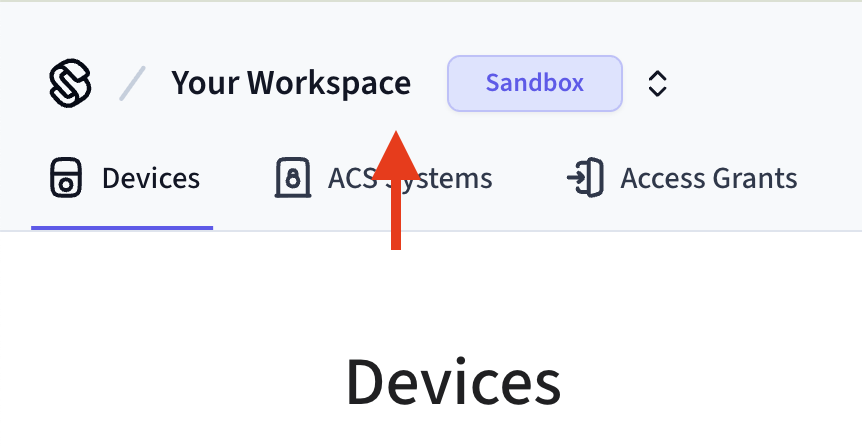
Click "+ New Workspace" in the bottom of the workspace switcher
Fill in your workspace name and company name.
Ensure that "Sandbox mode" is toggled off.
Click "Create Workspace"
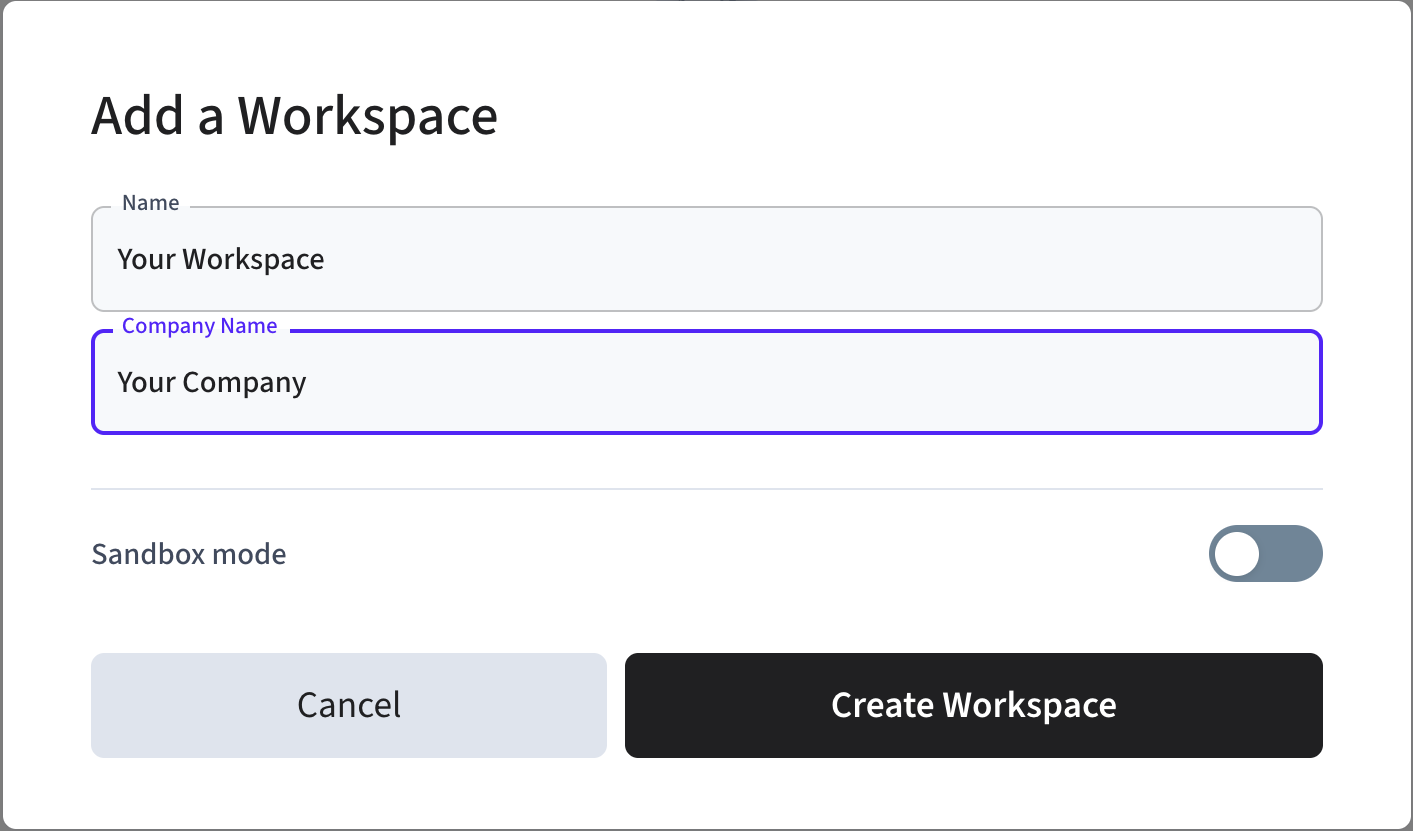
Your production workspace is now created and ready to use.