How do I check if a Connect Webview was completed successfully?
Last updated: January 28, 2026
When troubleshooting connected account issues, you may need to verify whether a customer has successfully completed the Connect Webview authorization process. This is particularly useful when dealing with reauthorization requirements or when codes aren't being programmed due to disconnected ACS systems.
Steps
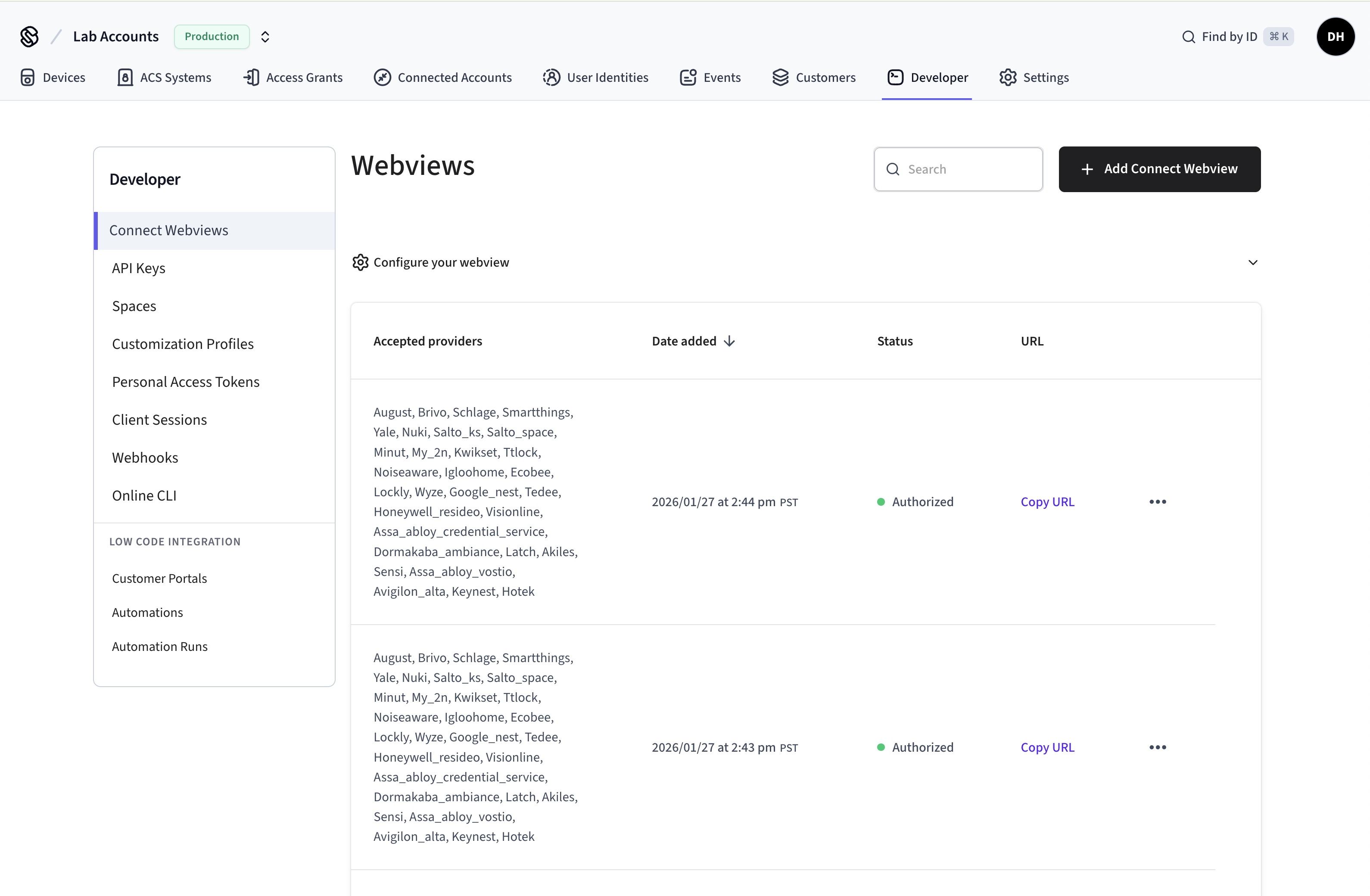
You can check the status of a Connect Webview directly through the Seam Console without needing API access:
Navigate to the Seam Console at console.seam.co
Go to Developer > Connect Webviews
Search for the ID of your Connect Webview
Check the "Status" column to see if the user has successfully completed the process.